Homelab
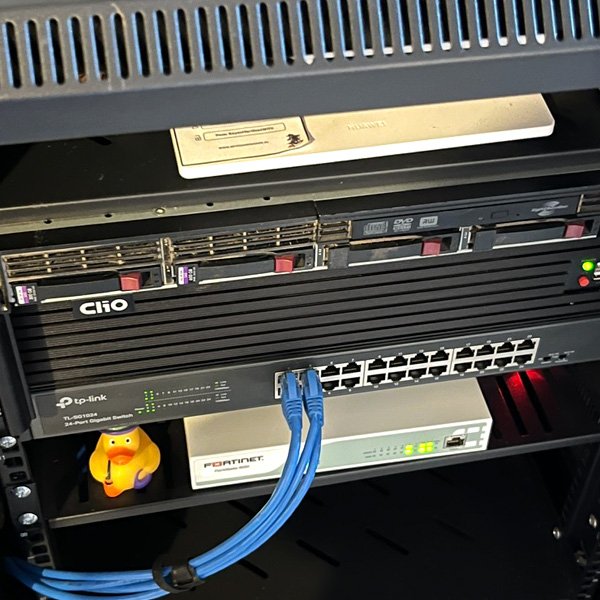
Home server rack

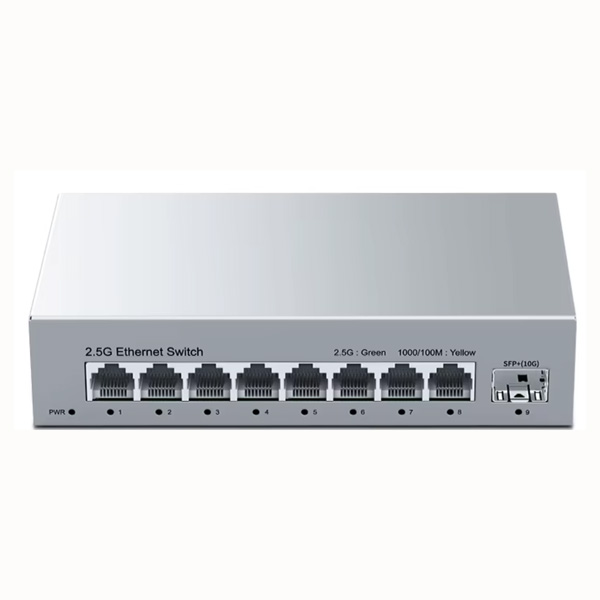
This is the real thing — not a mockup. I run two ISPs into the house: Entel over a Huawei ONT that I patched to escape CG-NAT and get a real, reachable IP, and Mundo Pacífico — allegedly the fastest internet in LatAm — on a 10-Gigabit-capable FiberHome ONT, running the 2 Gbps plan. Through an RJ45-to-SFP+ transceiver, I connect from the router to a 2.5G switch backed by a 10G gateway, so the upper floor can make use of the line's speed without depending on Wi-Fi.

Everything hanging off WAN1 goes through a FortiGate 60D I picked up somewhere — no further questions, please — which right now only runs the DMZ, connected to a 24-port TP-Link switch that every server and lab sits on. WAN2 from Mundo Pacífico, on the other hand, goes straight into a Huawei WiFi AX2 router that acts as the main router for the rest of the house, bypassing the firewall entirely. The architecture is deliberately spread out: an old Core 2 Duo does nothing but reverse-proxy everything through Caddy so no single box is a single point of failure, a Ryzen 5 does the actual heavy lifting, and an old HP ProLiant sits mostly idle as backup muscle. The setup spans two floors: the main rack lives in the central living room, and there's a second, smaller setup upstairs in my bedroom.

Network Topology
Drag the boxes around — the layout saves itself. Scroll sideways to see both floors.
Ground Floor · Living Room
2nd Floor · Bedroom
WAN1 · Entel
WAN2 · Mundo Pacífico
FortiGate 60D
AX2 Main
Cisco 7911
TP-Link 24p
ThinkCentre (Gateway)
"La Bestia" (Ryzen)
HP DL360
Pi 4B (spare)
Patch Panel
HORACO 2.5G
Mac Mini M1
Sister's PC
Linksys SE3005
IP Camera
AX2 AP
Pi Zero 2W
Cisco SPA504G
Standard LAN link Direct Mundo Pacífico link → 2nd floor Wireless link (WiFi)
Segment Gear Purpose
WAN1 Entel · Huawei HG8145X6 Primary internet, CG-NAT bypassed for a reachable public IP
WAN2 Mundo Pacífico · FiberHome HG5853SF Used for home stuff and then some, like VoIP for gaming with my family. Computers use this link to get online through 2.5G adapters
DMZ FortiGate 60D + TP-Link TL-SG1024 Every ground-floor server and lab lives here — no further segmentation yet
2P 2.5GbE HORACO switch / 10G SFP+ transceiver Direct from the ISP router, so the upper floor can use the line's full speed without depending on Wi-Fi. With a 10G uplink, it's a full backbone that serves 2.5G to everything else and uses the Linksys SE3005 as a secondary gigabit switch for things that don't need more speed.
Hardware Components
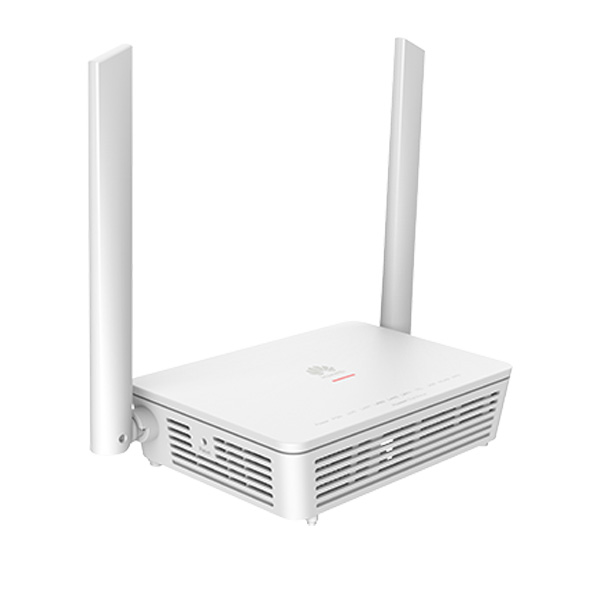
Huawei HG8145X6 ONT router
WAN1 — Huawei HG8145X6
Ground Floor Entel ONT/Router
Entel's gigabit ONT, wired straight into WAN1 on the firewall. Modified to escape carrier-grade NAT so I actually get a usable public IP instead of sharing one with half the neighborhood.
GPON CG-NAT Bypass WAN1
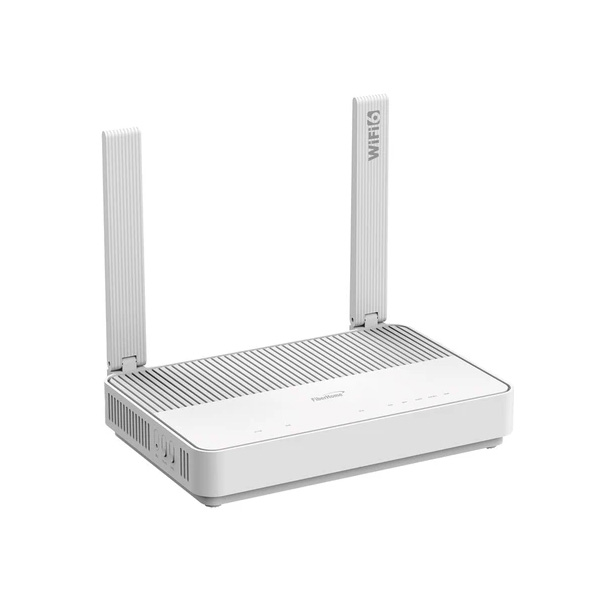
FiberHome HG5853SF ONT
WAN2 — FiberHome HG5853SF
Ground Floor Mundo Pacífico ONT
A 10-Gigabit-capable ONT currently running a 2 Gbps plan — supposedly the fastest residential fiber in LatAm. The bottleneck right now isn't the line, it's rewiring the house to actually carry that speed everywhere.
10G Port 2 Gbps Plan WAN2
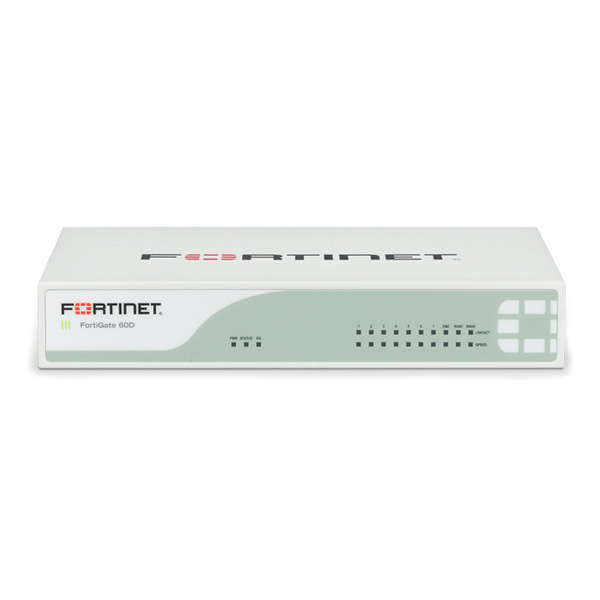
FortiGate 60D firewall
FortiGate 60D
Ground Floor Firewall
A secondhand find — I'll leave it at that. Sits between WAN1 and the DMZ, currently running a single network zone while the rest of the lab grows into needing more segmentation.
WAN1 DMZ Secondhand Find
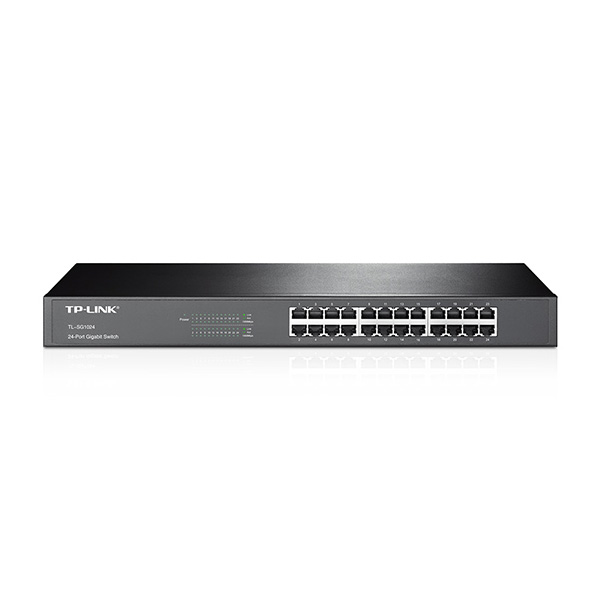
24-port rackmount gigabit switch
TP-Link TL-SG1024
Ground Floor Core Switch
24-port rackmount Gigabit switch off the FortiGate's DMZ port. Every other server and lab box in the house hangs off this one.
24-Port Gigabit Rackmount
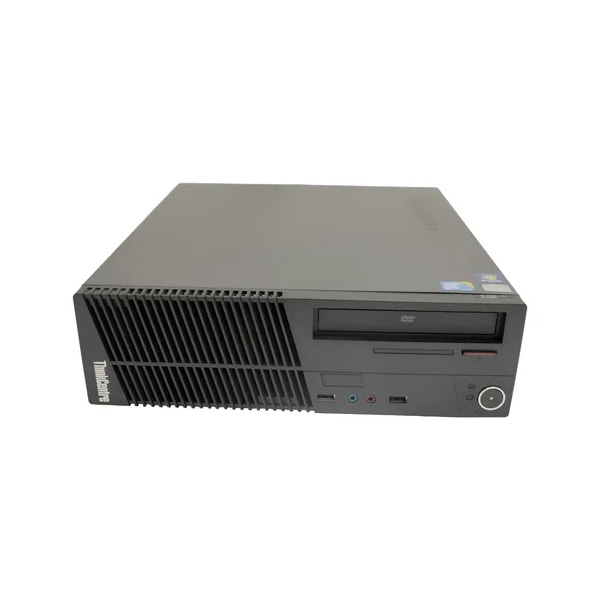
Lenovo ThinkCentre small desktop tower
Lenovo ThinkCentre M70e
Ground Floor Gateway
LGA775, Core 2 Duo E7500, 4 GB RAM, 500 GB HDD — ancient, and it barely uses any of it, because its only job is running Caddy as a reverse proxy in front of everything else. Keeping routing separate from compute means one box going down doesn't take the whole lab with it.
Core 2 Duo E7500 4 GB RAM Caddy Reverse Proxy
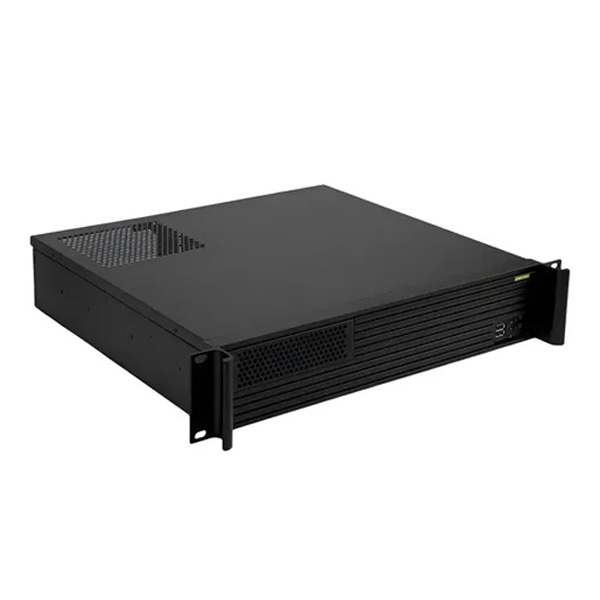
Desktop tower case for the lab server
"La Bestia" — Lab Server
Ground Floor Compute
Ryzen 5 5500, 24 GB RAM. Used to pay for itself running a paid Minecraft server hosting side business — that's on hold for now — and currently runs the sites and services I keep active.
Ryzen 5 5500 24 GB RAM Ex-Minecraft Hosting
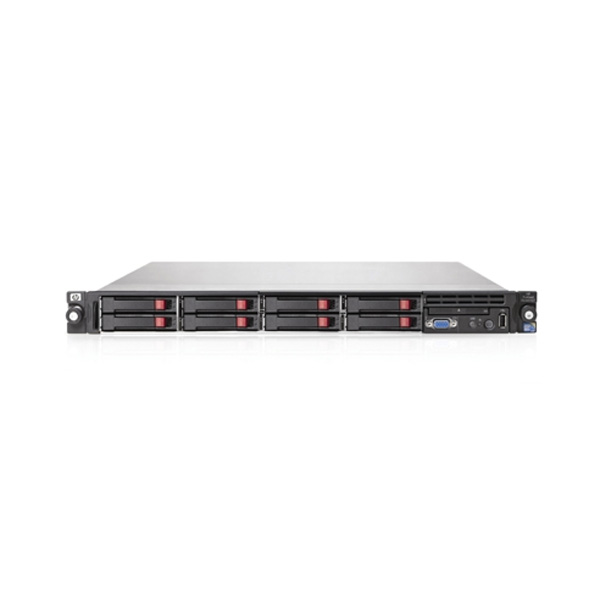
HP ProLiant DL360 rack server
HP ProLiant DL360
Ground Floor Legacy Iron
An old titan — 64 GB of RAM and multiple CPUs — that mostly sits idle these days. Don't need it often, but when I do, it's nice to have that much headroom sitting in the rack.
64 GB RAM Multi-CPU Mostly Idle
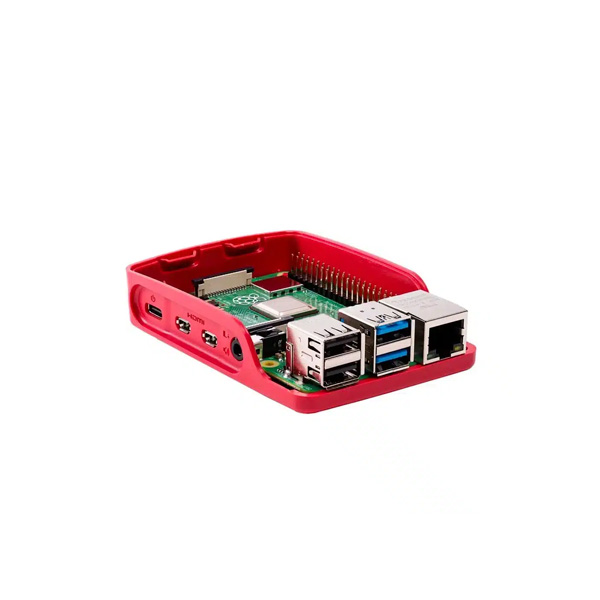
Raspberry Pi 4 board
Raspberry Pi 4B
Ground Floor Spare
Used to be the proxy server before I scaled up to the ThinkCentre. Retired from that job, now sitting spare for whatever small always-on task comes up next.
Ex-Proxy ARM/Linux
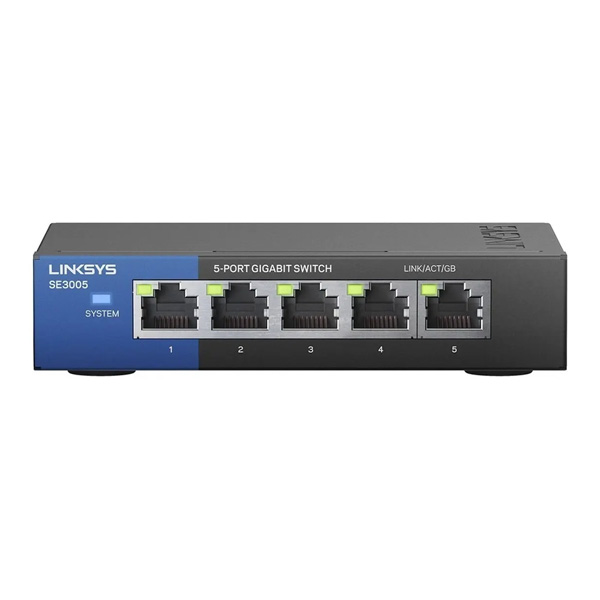
Small 5-port gigabit switch
Linksys SE3005
2nd Floor Bedroom Switch
A small 5-port Gigabit switch in the upstairs 2-post rack, hanging off the HORACO, feeding the Huawei AX2 access point, the Cisco SPA504G phone, and the upstairs IP camera.
5-Port Gigabit
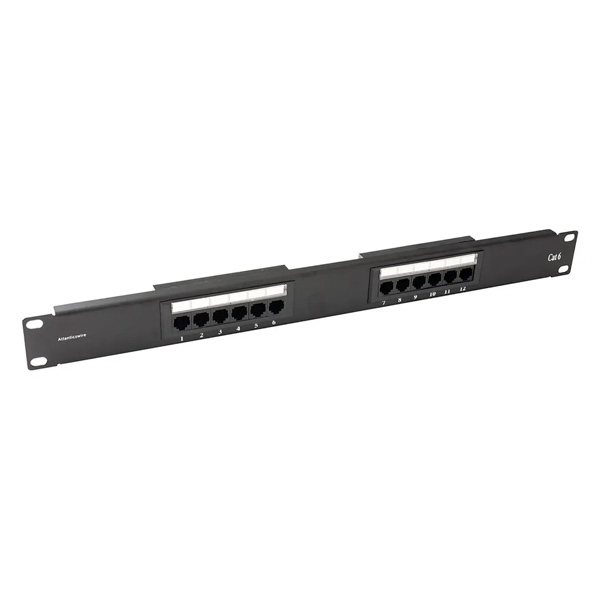
Bedroom network patch panel
Patch Panel — Bedroom
2nd Floor Cabling
Distributes the room's Gigabit runs and feeds the 2.5G HORACO switch through the 10G SFP+ transceiver, finally giving the upstairs rack a real backbone instead of relying on Wi-Fi.
2.5G/10G Backbone Feeds HORACO
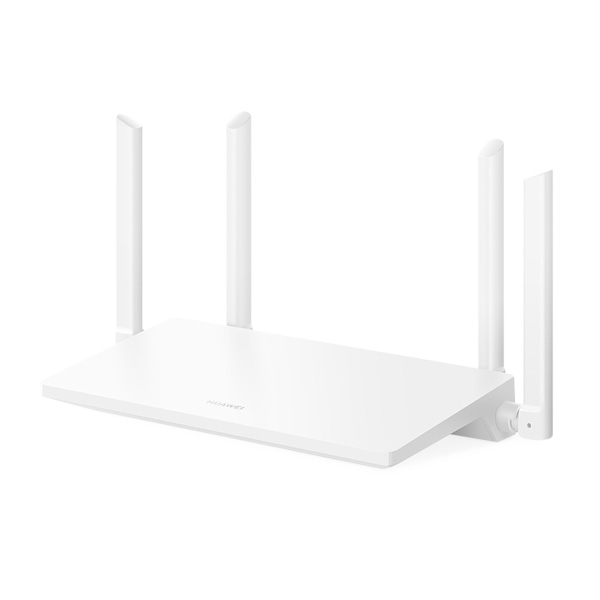
Huawei AX2 WiFi 6 router
Huawei WiFi AX2 — Main Router
Ground Floor Main Router
Huawei WiFi 6 router wired straight into WAN2, bypassing the FortiGate entirely, serving as the main router for the home network. Delivers high-speed wireless connectivity and supports the latest security standards.
WiFi 6 Direct WAN2 Advanced Security
Huawei AX2 WiFi 6 router in access point mode
Huawei WiFi AX2 — Access Point
2nd Floor Access Point
Wired to the upstairs Linksys switch and set up in access-point mode, extending WiFi coverage up there without losing speed or stability compared to the main network.
WiFi 6 Access Point Wired Uplink
2.5G switch for the upper floor
HORACO 2.5G
2nd Floor 2.5G Switch
2.5G switch that receives the 10G backbone through the SFP+ transceiver and distributes that speed to the Mac Mini M1, my sister's PC, and, cascading down, the bedroom's Linksys switch.
2.5G Switch 10G Backbone
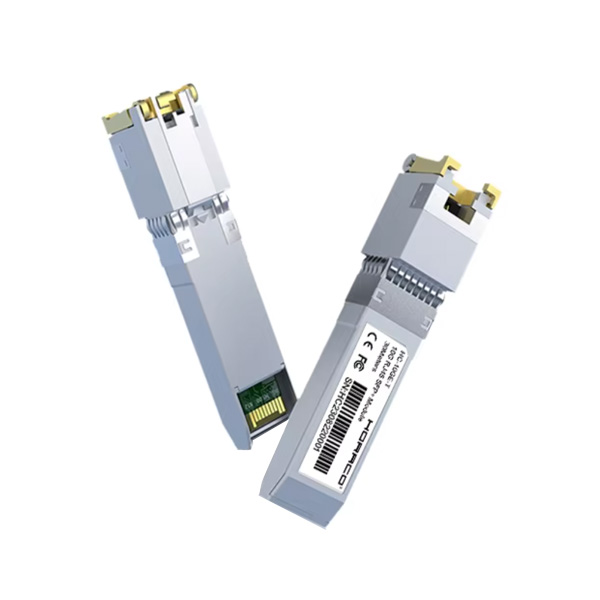
10G SFP+ transceiver for network backbone
10G SFP+ Transceiver
2nd Floor Backbone Uplink
10G SFP+ transceiver used to connect to the network backbone from upstairs.
10G Backbone RJ45 → SFP+
Raspberry Pi Zero 2 W board
Raspberry Pi Zero 2 W
2nd Floor VoIP PBX (Asterisk)
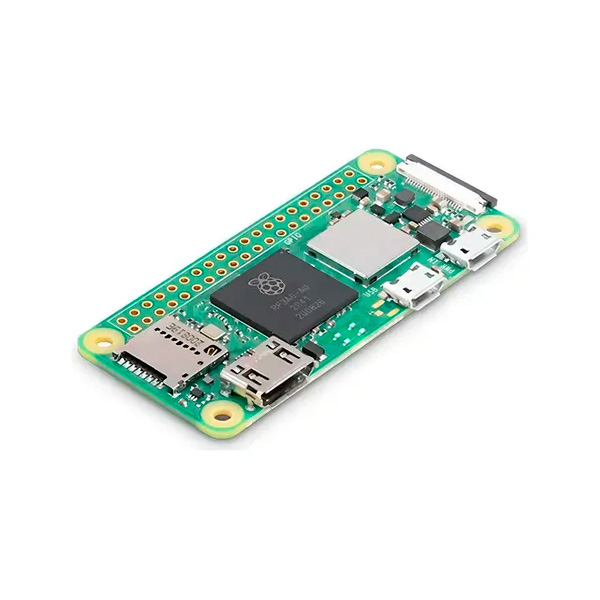
Used as a phone PBX running Asterisk. Connects to the main network over WiFi to the upstairs AX2, letting it handle VoIP calls for that floor.
Asterisk WiFi
Cisco 7911 IP phone
Cisco 7911
Ground Floor VoIP Phone
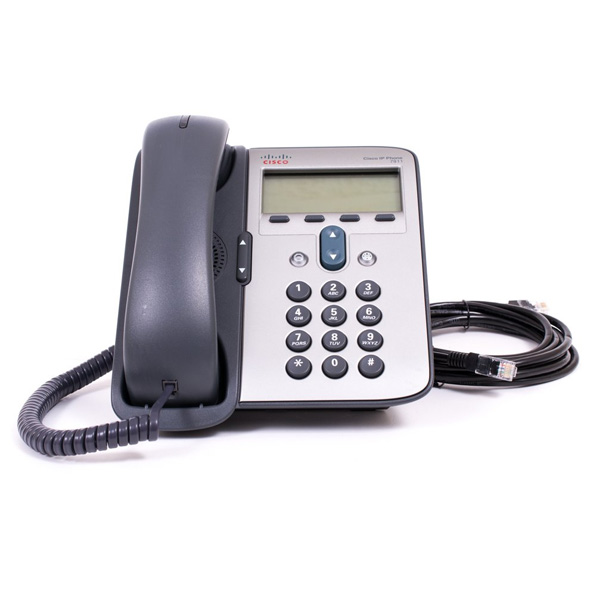
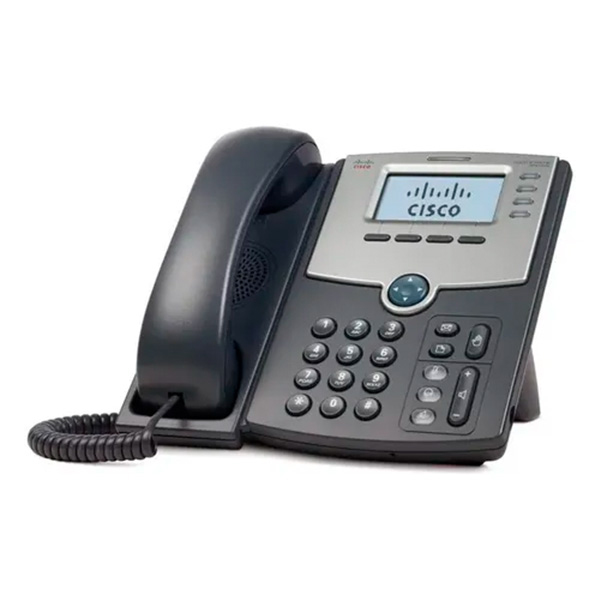
VoIP phone wired straight into the Mundo Pacífico router (WAN2), bypassing the main switch, for ground-floor phone service.
Ethernet PoE Direct WAN2
Cisco SPA504G IP phone
Cisco SPA504G
2nd Floor VoIP Phone
VoIP phone wired to the upstairs Linksys switch for phone service.
Ethernet PoE Gotcha: it's technically in my bedroom, heh
Power & UPS
Hikvision UPS
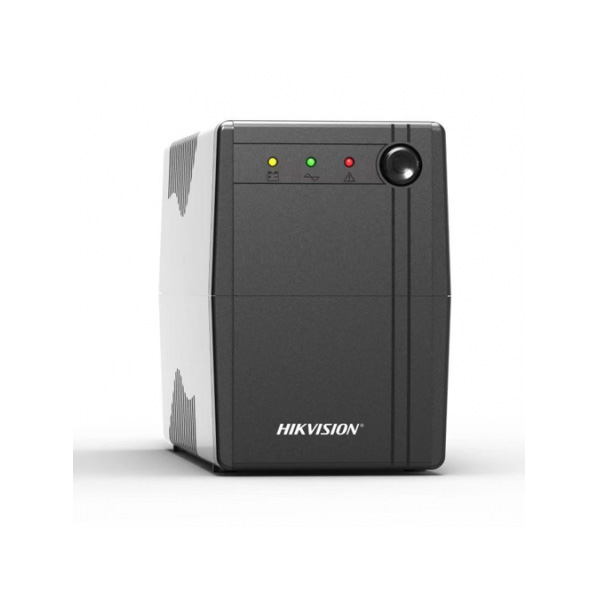
AC — Hikvision UPS
Everything that runs on mains power — both ONTs, the FortiGate, the TP-Link switch, and all four servers on the ground floor — is backed by a Hikvision UPS.
12V UPS for cameras
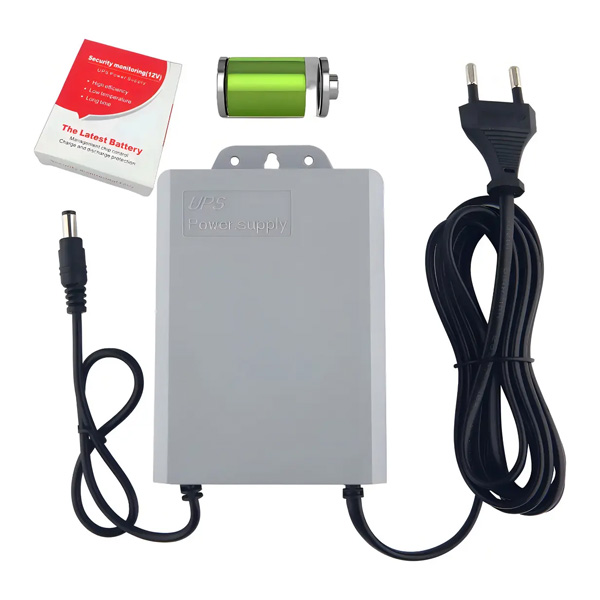
DC — 12V Camera UPS
Smaller DC loads, like the IP cameras, run off a dedicated 12V UPS instead — about 2.0A, roughly 24W. A friend from university walked me through why sizing it that way makes sense, and it's worked great since.
What Runs Where
ThinkCentre M70e — Gateway
Caddy Reverse Proxy Routing Only
"La Bestia" — Lab Server
Active Sites & Services Ex-Minecraft Hosting
HP ProLiant DL360
On-Demand Testing Heavy Workloads
Raspberry Pi 4B
Cold Spare Former Proxy
Roadmap
  • Done
    CG-NAT bypass on Entel — got a real, reachable public IP on WAN1 instead of sharing one behind carrier NAT.
  • Done
    Split gateway from compute — moved reverse-proxy duty onto its own dedicated box (the ThinkCentre) so the lab server going down doesn't take routing with it.
  • Done
    Wire the house for 2 Gbps — the Mundo Pacífico line can already deliver it; the internal cabling, not yet.
  • Done
    10G/2.5G RJ45 transceiver — off the Mundo Pacífico router's 10G port, finally giving the 2nd-floor rack a real uplink instead of relying on Wi-Fi.
  • Done
    Expand the bedroom patch panel — to match what the transceiver upgrade ended up delivering.
  • Idea
    Segment the DMZ — as the lab grows past "one flat zone," proper VLANs are the obvious next step. Not committed yet.